
What to remember
- Ask about preferences, access, timing and costs before choosing the sport.
- Use planned rotations so playing time is clear before people join.
- Describe the actual format and keep participation optional.
Which sport works for a mixed-ability team event?
The right team building sport is one your group wants to try, at a venue they can use, with a format they understand. Ask about preferences and access needs before choosing. A sport that is familiar to the organizer may still be unfamiliar or uncomfortable for colleagues.
The Canadian Centre for Occupational Health and Safety recommends asking staff about their interests and supporting different abilities in workplace activity. Use that principle for the invitation. Offer choices and a way to decline without having to share a personal explanation.
Ask these questions before booking
Collect practical preferences privately rather than asking people to disclose health information to the group. If you are unsure whether a venue or format fits an access need, discuss it with the participant and facility before confirming.
For a workplace event, agree on who pays and whether it takes place during working hours. State equipment and travel costs up front. An inexpensive court can still be a poor option if half the group cannot get there.
- Which activities would you like to try, and which would you rather skip?
- What time and travel distance work for you?
- What venue access or activity adaptations would help you participate?
- Would you prefer a short game, a skills session or a different social activity?
- Will equipment be provided, and is there any cost to participants?
Choose a format with predictable playing time
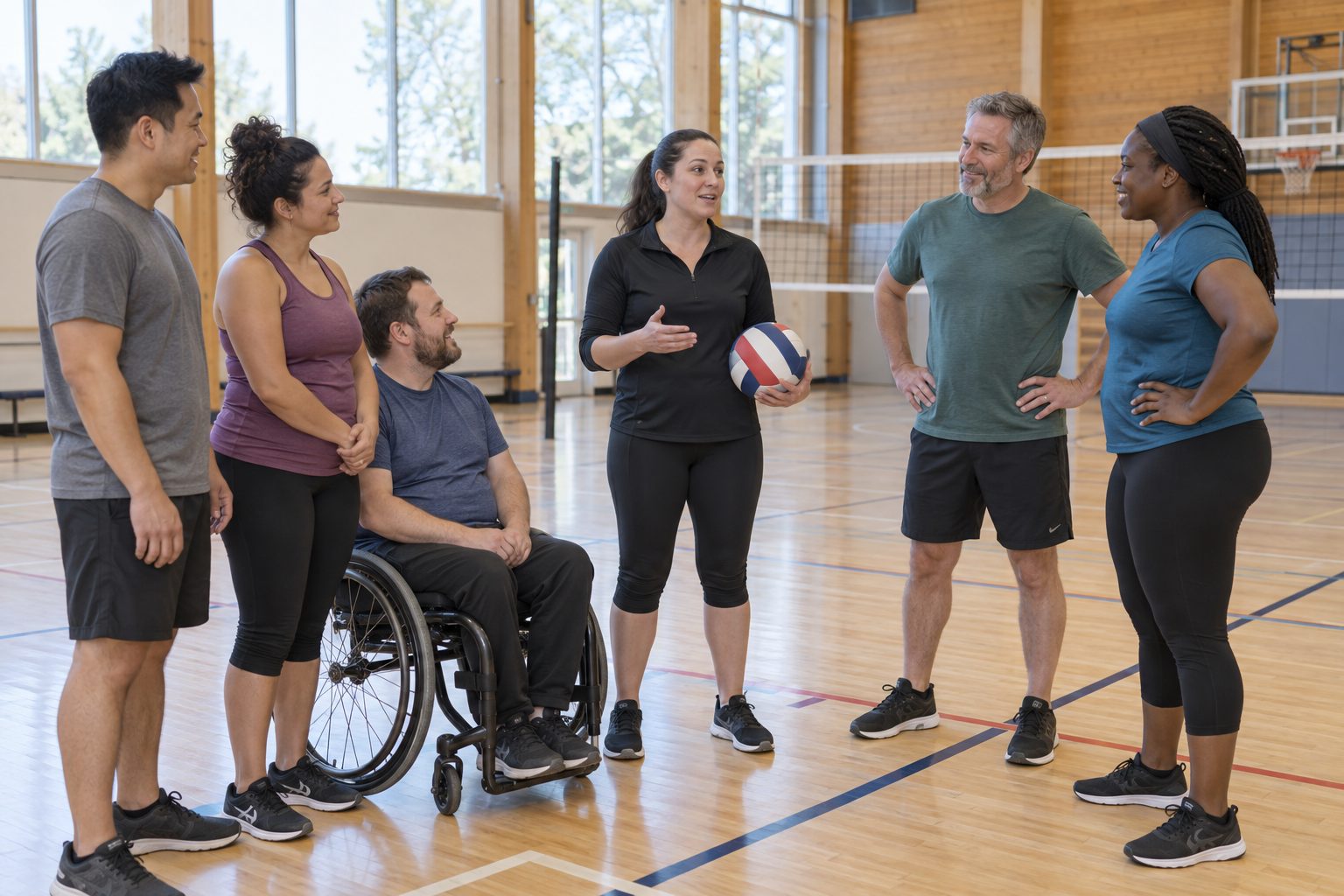
These are planning examples, not universally accessible formats. Try a cooperative volleyball rally for a group that prefers shared targets, short badminton doubles rounds for a group comfortable with racquets, or small basketball teams with a time limit and planned substitutions. Ask the group and venue which adaptations are suitable.
Abilities Centre describes Mixed Ability Sport as bringing people with and without disabilities together in community sport. That is a useful inclusion reference. Calling an ordinary game all levels does not establish that the venue, rules or support meet every participant’s needs.
Keep teams balanced and explain how substitutions work before play starts. Avoid a winner-stays format when your objective is equal opportunities to participate. If the activity is a poor fit for someone, offer another meaningful choice rather than assigning them a sideline job automatically.
A sample 60-minute plan for twelve willing players
This example assumes the venue and activity suit all twelve participants. Divide players into three groups of four. After introductions and preparation, each group plays two short rounds and rests for one. Confirm that this format is permitted for the sport and booking.
The sample gives each group twenty minutes of game time during the rotation block. Change the group size or round length to suit the people attending. The schedule is a planning aid, not a fitness prescription.
- Minutes 0 to 10, introductions, venue orientation and explanation of the format
- Minutes 10 to 20, comfortable preparation and a practice of unfamiliar skills
- Minutes 20 to 30, group A plays B while C takes a break
- Minutes 30 to 40, group B plays C while A takes a break
- Minutes 40 to 50, group C plays A while B takes a break
- Minutes 50 to 60, finish play, gather equipment and ask what to change next time
Write the invitation before opening registration
Example invitation, We are planning a recreational game with short rounds and planned breaks. Joining is optional. Please tell the organizer privately about access needs or a different activity you would prefer. We will confirm the venue, required gear and any cost before you commit.
Keep the final participant count separate from expressions of interest. Tell players how to withdraw and when the organizer needs a decision. After the session, ask whether people would choose the same activity again, rather than assuming attendance proves it worked.
Coordinate the confirmed game in SportsDock
SportsDock supports game format, skill level, player limits, notes and optional host approval for join requests. Use those fields to describe the session and manage the roster once you have confirmed the venue. Approval helps manage requests, but does not make a listing a private corporate event.
Download SportsDock to create the game and coordinate interested players. For a venue, club or community organization planning a broader collaboration, use the partnerships page. SportsDock coordinates games and does not replace facility booking or an employer’s event arrangements.