
Find pickup games near you.
Find sports events near you with SportsDock. Join a pickup game or organize your next team match.
Free download on iOS and Android.

One app. Your kind of sport.
For players
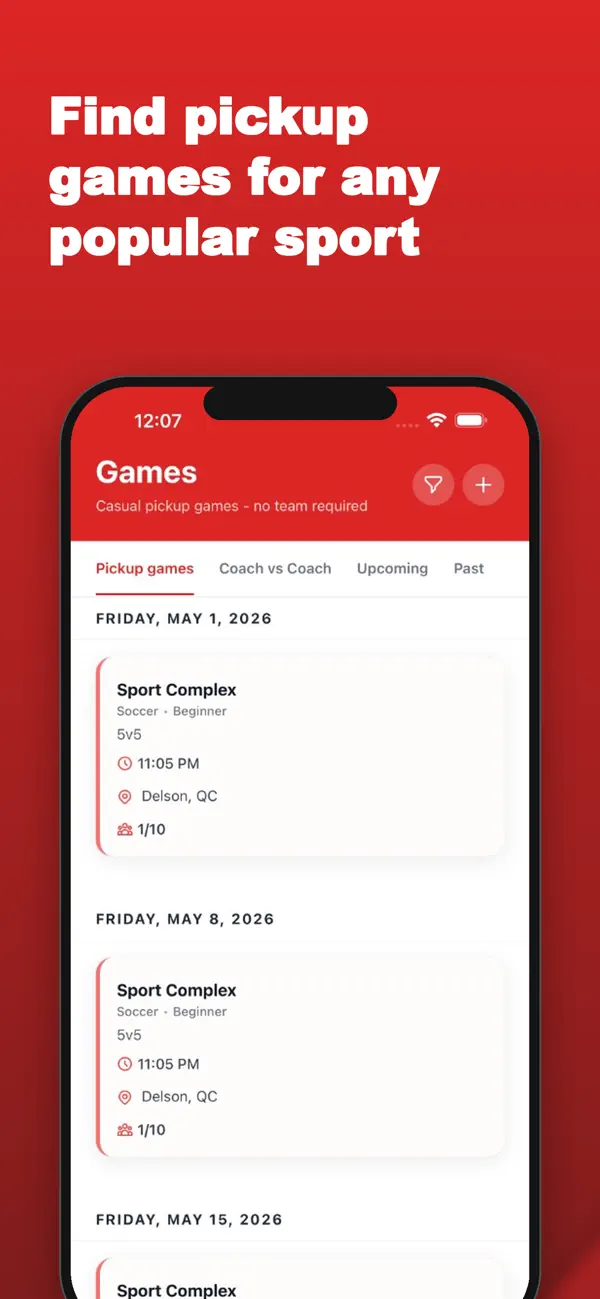
Find a game
Filter by sport, location, level, and date.
Waitlists
Game full? Add your name to the waitlist.
Attendance confirmations
Confirm you’re coming or let the host know you can’t make it.
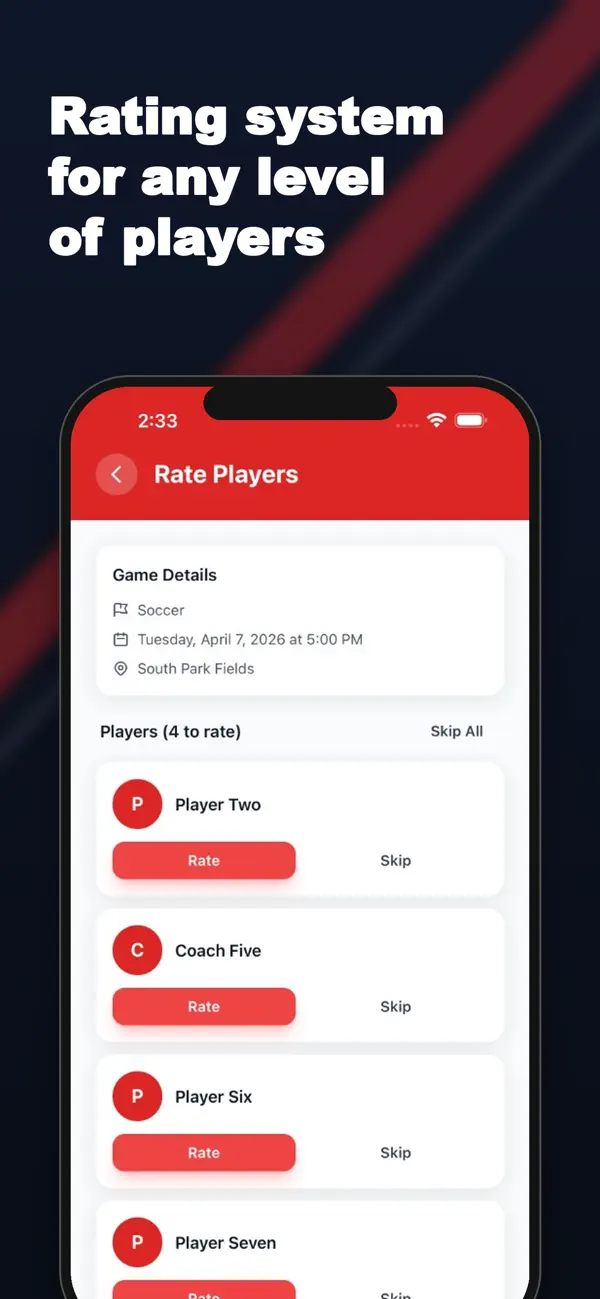
Post-game ratings
Rate sportsmanship, reliability, and professionalism.
Three ways to play and pay
Free games
No participation fee.
Pay at the event
Pay the host directly.
Online payments
Pay in the app when the host offers it.
The host chooses the mode. Online checkout shows applicable taxes and fees before you pay.
For coaches and their teams
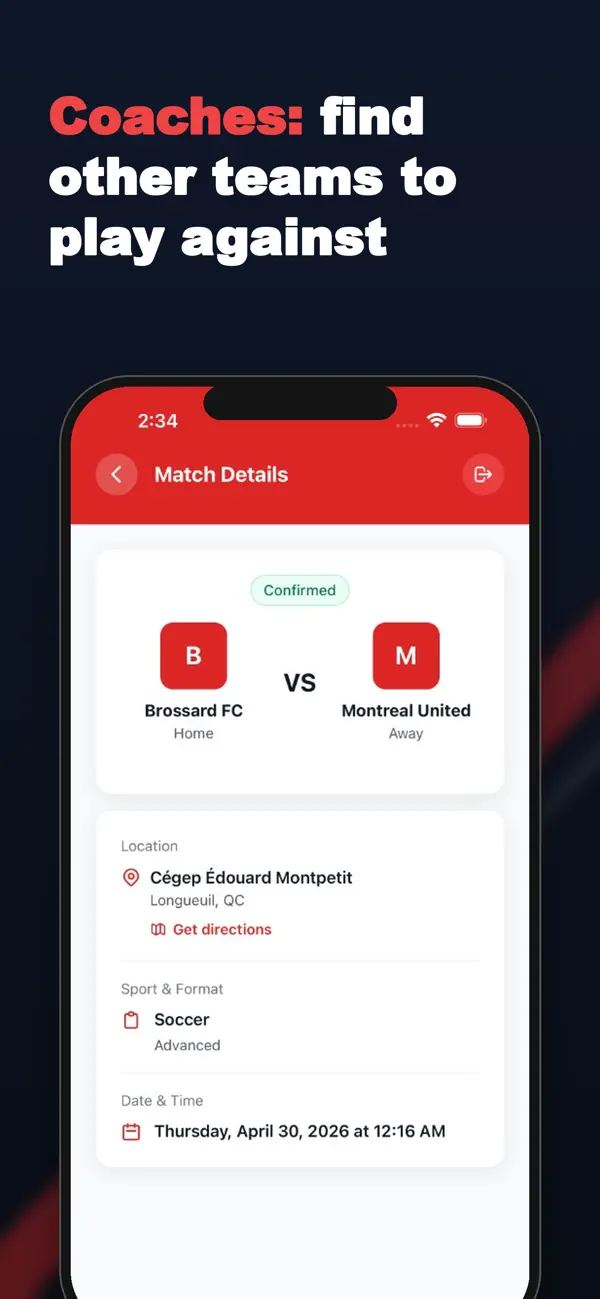
Find your next opponent.
Team profiles
Share your sport, level, city, and availability.
Opponent search
Find a team to play or post your own match opening.
Match requests
Agree on a time and place with the other coach.
Keep the game in the conversation
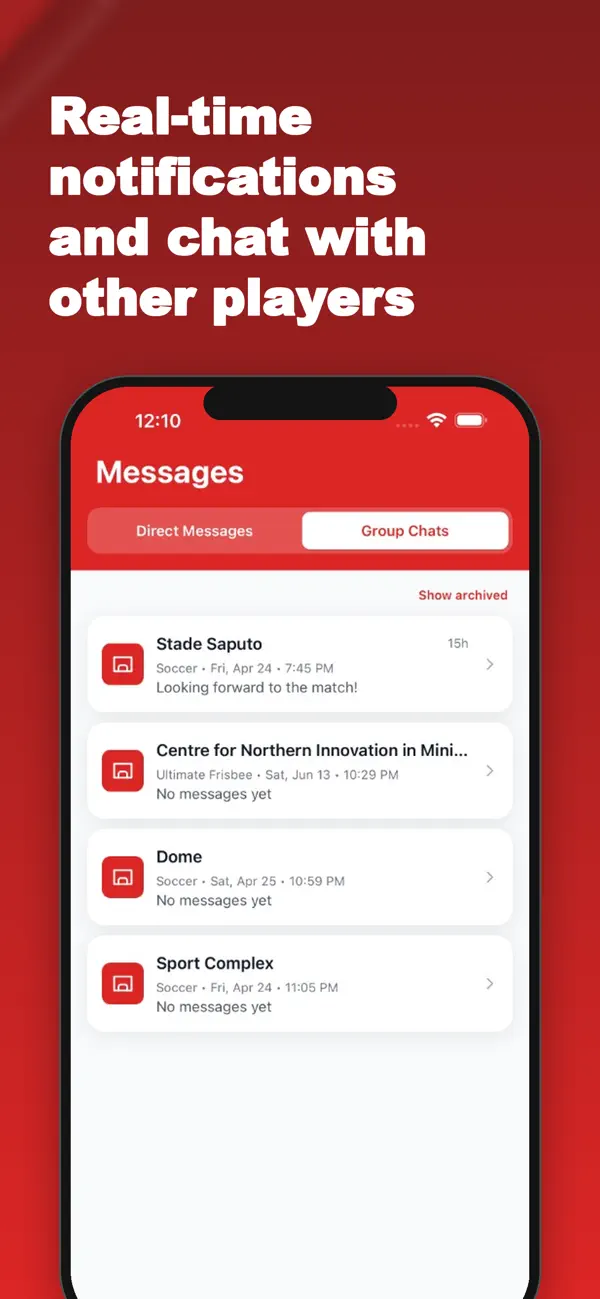
Game group chat
Talk with the host and participating players.
Host announcements
Switch to host-only posts when the group needs updates.
Direct messages
Message a player or another coach privately.
For game organizers
Organize in SportsDockRecurring games
Repeat weekly or every two weeks. Edit one game or the series.
Player approval
Allow open joining or accept and decline requests.
Spots and attendance
Set player limits, send reminders, and track who attended.
Questions before game day
Are all games free?
No. Hosts choose between free games, manual payment directly to the host at the event, and online payment in the app. Check the game’s payment mode and price. Online checkout shows applicable taxes and fees before you confirm.
Can I organize my own game?
Yes. Choose the sport, place, time, player limits, and payment mode. Decide whether players can join openly or need your approval.
Can I schedule a game every week?
Yes. Pickup games can repeat weekly or every two weeks until an end date you choose. You can edit a single occurrence or apply changes to future games in the series.
Can I approve players before they join?
Yes. Turn on host approval when creating a pickup game. You can review each join request and accept or decline it. An open game does not require this approval step.
How do coach-to-coach matches work?
Create a team profile, browse teams looking for opponents, or publish your own match opening. Send a request and coordinate with the other coach to confirm the match details.
Can I play more than one sport?
Yes. Create separate sport profiles with your level and find games for the sports you enjoy.
Your next game is out there.
Find it on SportsDock.