
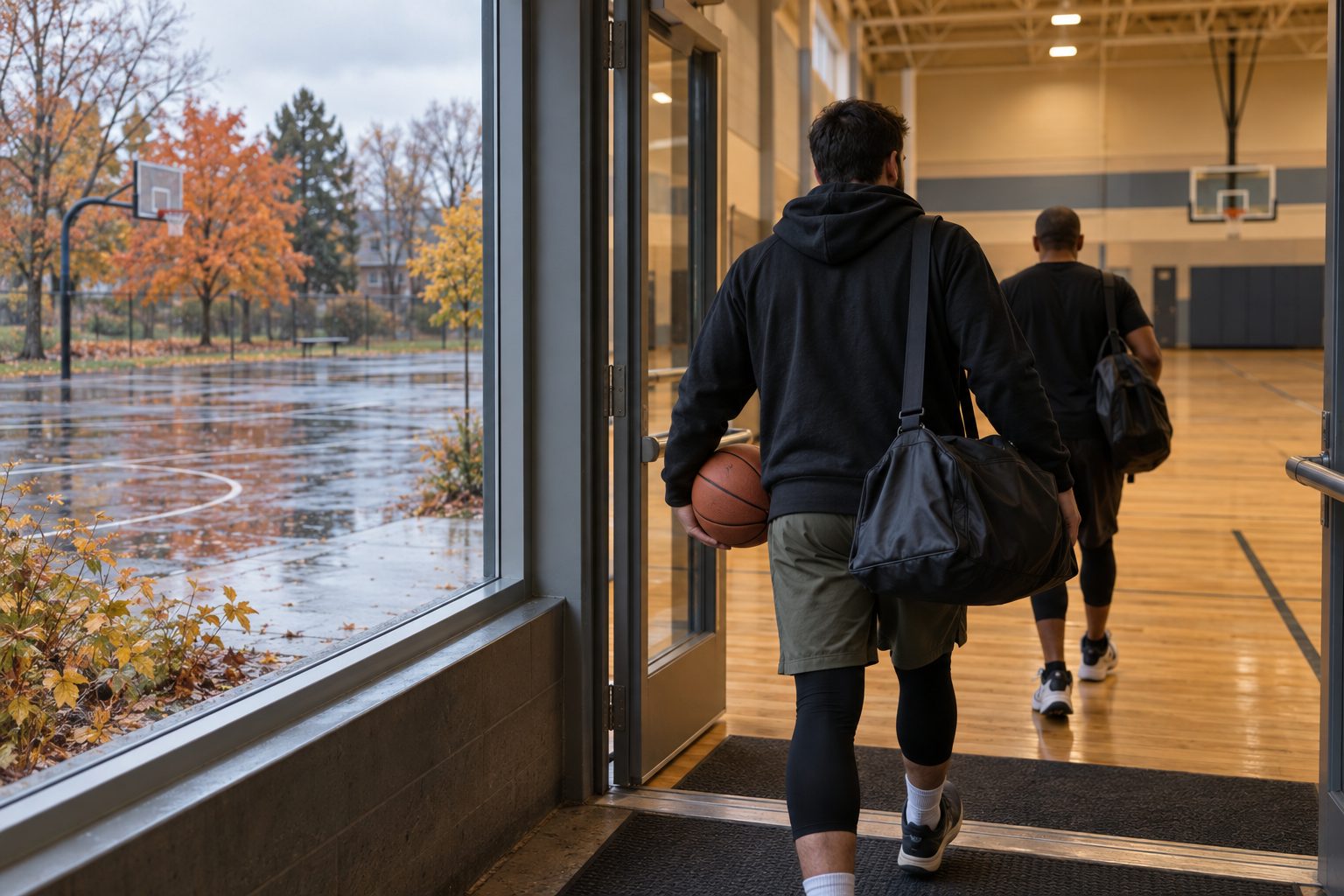
What to remember
- A full roster does not confirm access to a facility.
- Set a decision time and use current official weather and air-quality guidance.
- Confirm the venue, cost and participant agreement before moving a game.
How do you plan pickup games when the season changes?
Plan from the confirmed facility and current conditions, not the month alone. Check whether the court or field is open, whether you have access for your time slot, and what happens if conditions change. Name the person who will decide and the channel players should check before travelling.
For adult pickup games in Canada, the practical task is to keep venue access, weather and attendance aligned. A full roster cannot reopen a closed field. An indoor backup is useful only if the space is actually available and suitable for the group.
Check these details when moving indoors
An autumn move from an outdoor court to a gym changes more than the address. Verify the permitted sport, footwear, entry procedure, usable playing time and total cost with the facility. Ask whether the booking includes equipment and whether another program uses the space immediately before or after you.
Treat a possible indoor court as an option until the venue confirms it. If the original game was free and the alternative has a fee, tell players the new amount and ask them to confirm again before committing them.
- Spring, verify reopening and surface condition with the facility
- Summer, check current forecasts, air quality and access to the booked space
- Autumn, check usable daylight or confirmed lighting for evening games
- Winter, confirm indoor or arena access and the travel plan for participants
Check air quality as well as the forecast
Environment and Climate Change Canada advises outdoor event organizers to use local Air Quality Health Index forecasts, air-quality alerts and weather information, and to keep checking conditions during an event. Its guidance considers exertion and participant needs, not just whether the sky looks clear.
Use the linked government health guidance when deciding whether to modify, reschedule or cancel. Do not make the least concerned player the standard for the whole group. An indoor alternative also needs a suitable environment and confirmed access.
Keep the booking decision and the safety decision separate. A venue cancellation deadline may fall before the latest weather information is available. State that uncertainty clearly rather than promising that a game will happen because the rental is already paid.
What should happen if you hear thunder?
Environment and Climate Change Canada advises taking shelter immediately when thunder is heard, preferably in an enclosed building with wiring and plumbing or an all-metal vehicle. An open picnic shelter is not protection. Wait at least 30 minutes after the last thunder before returning outdoors.
Before play, identify the shelter route and the person who will communicate a stop. Nobody should need to stay on the court to protect a roster spot. If the booking will end before a safe return is possible, tell the group the session is over rather than leaving the decision vague.
A decision checklist for a 7 PM game
The following is an example communication timeline, not a weather threshold. Set times around the facility rules and how far players travel. It remains necessary to stop or change the activity when conditions worsen after an earlier update.
Example message, The outdoor court is unavailable. We have not secured an indoor replacement, so tonight’s game is cancelled. Please check the game page before travelling. If we confirm another session, it will have its own location, time and cost.
- The day before, confirm facility access and review the current forecast and alerts
- At the announced decision time, post whether the plan is confirmed, changed or cancelled
- Before players travel, verify the latest conditions and communicate any change
- At the venue, check the actual surface, access and conditions before starting
- During play, monitor changes and communicate a stop or cancellation promptly
Keep the game details current in SportsDock
SportsDock lets hosts update a pickup game’s details and cancel a game when necessary. Use the listing notes and game communication to explain the decision time and any changes. These are organizer actions. SportsDock does not make weather safety decisions for the group.
Use the sport and city pages to explore local pickup options, then check the app for a suitable session. If you create a replacement game, publish its real venue and requirements. Do not label an unconfirmed facility as the backup simply to keep registrations open.